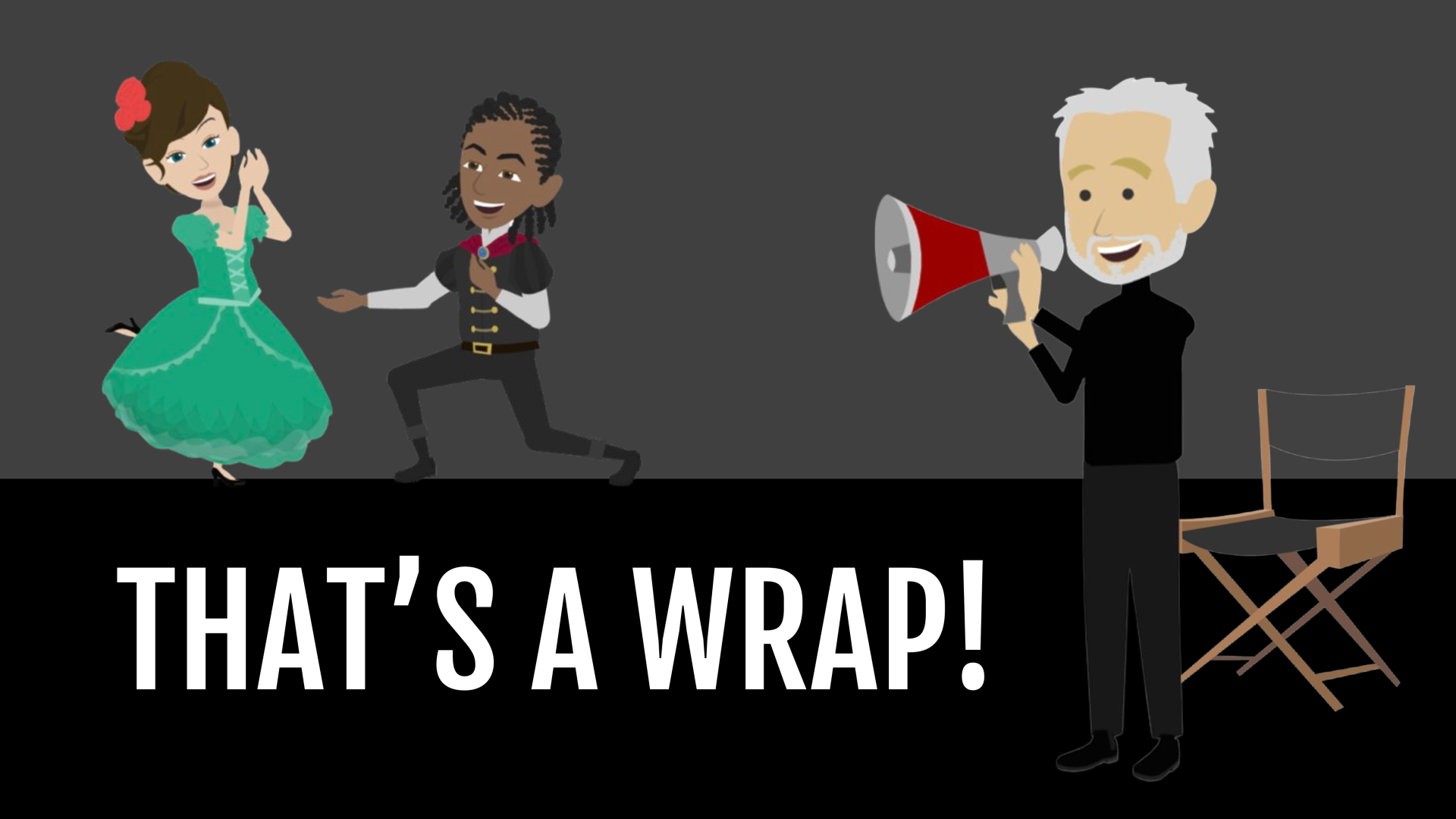
I've written and directed many plays. And it has helped me tremendously as an animated video producer. As a director, you'll do script analysis, meet with set, lighting and costume designers, communicate the vision, cast the characters and give your actors direction.
Producing an animated video isn't that much different: You build the sets. You dress the characters, assign them actions and expressions and give them a voice that communicate the message clearly. You choose props that the characters interact with. You may even be writing the script! To help you produce a video that stays true to its purpose, think like a director in these three ways.
Know your viewing audience
Every director researches their audience to make sure the production will meet them right where they are.
You can do this by finding the answers to these questions about your audience:
What do they value?
What are their current circumstances and how are they reacting to them?
Why might they stop viewing this video?
Examine the script. Does it speak to your audience's values? Does it address their current circumstances in some way? Will your viewing audience say, "Wow, whoever produced this video really gets me!"?
Make design choices
Directors who leave design choices up to chance (I've been in some plays like this) end up with a production rife with distractions.
For instance, a lighting designer in a theatre where I was studying, notoriously made almost every scene dark and moody. And the director let him do it! Audiences were often searching for the actors because frankly, it was difficult to see them. That's a major distraction. Experienced directors know that every design choice, every acting choice, either counts for or against the vision of the production.
The same is true for animated video. For instance, check out this short video. See if you notice anything distracting about it.
Write your awesome label here.
Ack! So many distractions throughout this video:
The title scene is messy.
The characters are mismatched stylistically.
The music is overbearing.
The actions and expressions of the characters don't match their mood (bad acting).
The producer of this video didn't set out to make bad design choices. They simply didn't make a choice at all. They searched for a chair and clicked on one, not thinking that it didn't match the rest of the room. They searched for an emotion and clicked on one that made the character do something no human would actually do.
Before you choose a prop, and character feature, an action, a camera movement, think, "Does this choice contribute to the vision for this video?"
Direct the audience's eyes
An experienced director for the stage pays attention to details, but they also see the big picture. They are asking, "How can I help the audience see what's most important?"
Producers have an advantage over directors of live performances: complete control! They can direct the eyes of the audience exactly where they need to go to make sure the message gets across. This is particularly important in explainer videos. For instance, in the explainer video below, notice how the audience only has to take in one new thing at a time. Characters and objects all have assigned entrances and exits. We don't have to figure out what to look at. It's evident...and usually right in the middle of the screen.
You may have noticed the role of camera movement and positioning in this video as well. As a producer, you get to control what the audience sees and when they see it. If you don't want them to see the whole scene, you can frame the picture to focus on what you want them to see.
It sounds complicated.
Yes, animated videos are easier to make than they used to be, thanks to Vyond, but making design choices and directing the audience's eyes are skills that are developed with practice.
Start your journey!
The School of Story Design is here for producers who want to master Vyond Story Production. You'll learn how to:
Analyze scripts.
Build sets quickly.
Create relatable characters that stylistically match.
Assign actions and expressions to characters that are natural and realistic.
Maximize the use of camera positioning and movement.
Speed up your process of production without sacrificing quality.
And many, many more skills. Get started with Level 1!